CRM Guide
How to Choose a Real Estate CRM in 2026: Complete Buyer's Guide
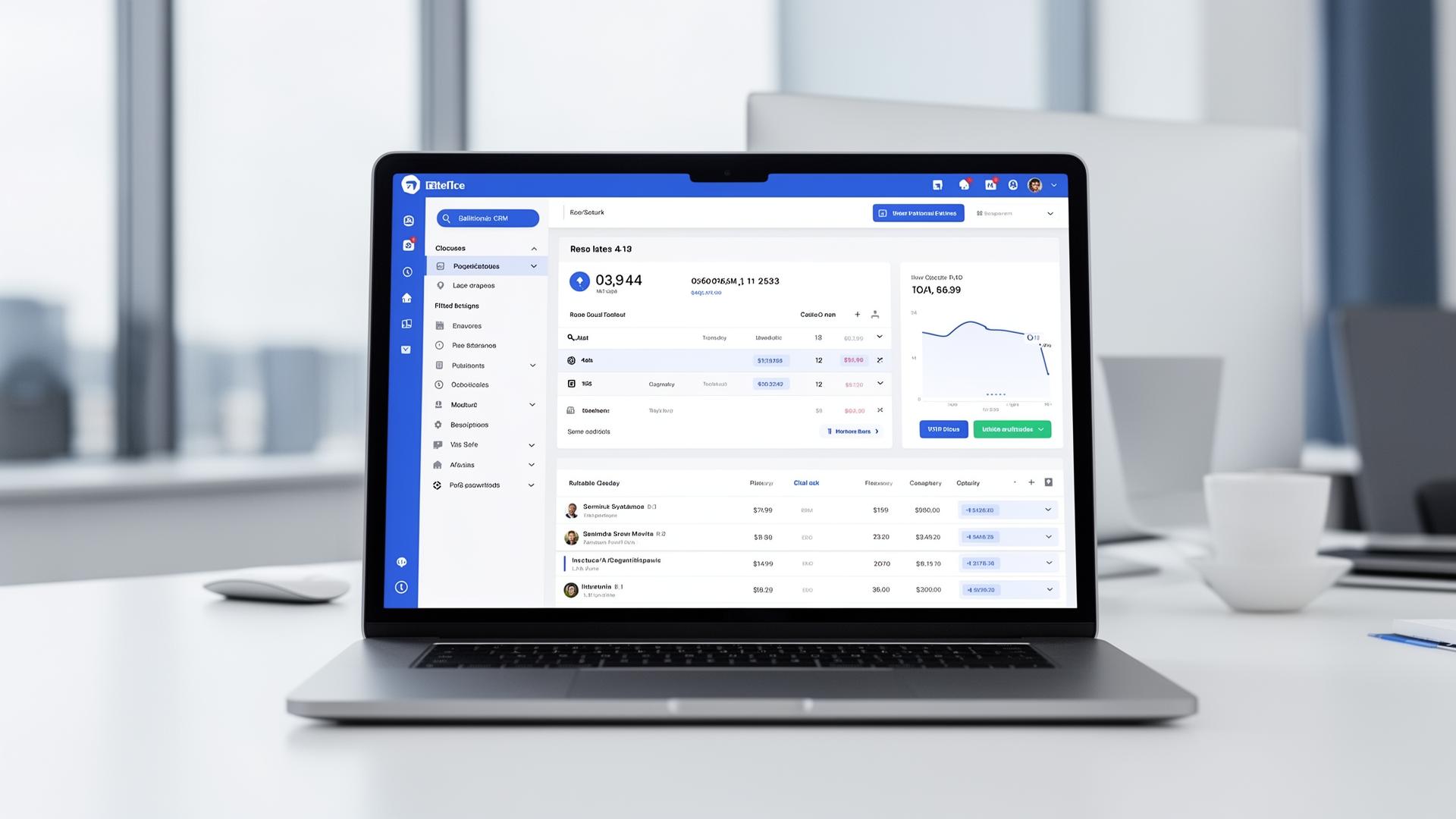
Choosing the right Customer Relationship Management (CRM) system is one of the most important technology decisions a real estate professional can make. According to NAR's Real Estate in a Digital Age report, agents who use CRMs effectively close 23% more deals than those who don't. The right CRM can help you close more deals, stay organized, and scale your business. Updated for 2026 with Lucy, Epique, and Ylopo — the new wave of AI-native CRMs that didn't exist when this guide first published.
Why Real Estate Agents Need a Specialized CRM
Generic CRMs like Salesforce or HubSpot can work for real estate, but they lack industry-specific features that make specialized CRMs so powerful:
- MLS Integration - Automatically import listing data and track property searches
- Transaction Management - Track deals from lead to closing
- Drip Campaigns - Real estate-specific email sequences for buyers and sellers
- Lead Routing - Distribute leads to team members based on rules
- IDX Website Integration - Connect property search with lead capture
Top Real Estate CRMs Compared
Follow Up Boss
Best for: Teams focused on lead conversion and integrations
Price: Starting at $69/user/month
Follow Up Boss excels at lead management and offers the best integration ecosystem in the industry. It connects seamlessly with over 250 lead sources and tools, including ShowSmartly for automated showing responses.
Pros
- • Excellent API and integrations
- • Smart lists and automation
- • Team collaboration features
- • Mobile app with calling/texting
Cons
- • No built-in website/IDX
- • Higher price point
- • Learning curve for advanced features
kvCORE
Best for: Brokerages wanting an all-in-one platform
Price: Starting at $499/month for teams
kvCORE is a comprehensive platform that includes CRM, website, IDX, and marketing automation in one package. It's popular with brokerages who want a single vendor solution. According to Inman, it's one of the most feature-rich platforms available.
Pros
- • All-in-one platform
- • Built-in IDX website
- • AI-powered lead scoring
- • Behavioral automation
Cons
- • Complex and overwhelming
- • Limited third-party integrations
- • Expensive for small teams
LionDesk
Best for: Solo agents on a budget
Price: Starting at $25/month
LionDesk offers solid CRM functionality at an affordable price point. It includes video email and texting features that are popular with agents.
Pros
- • Affordable pricing
- • Video email included
- • Easy to learn
- • Good mobile app
Cons
- • Limited automation
- • Fewer integrations
- • Basic reporting
2026 AI-Native Newcomers
Three platforms that didn't exist (or weren't material) when this guide first published. All three lead with AI rather than tacking it on as a feature.
Lucy
Best for: Solo agents who want a conversational AI co-pilot rather than a traditional CRM UI
Price: $79/user/month (2026)
Lucy is built around a chat interface — you ask it to draft follow-ups, summarize a lead's activity, or build a CMA, and it executes. AI-native scoring: 9/10 — the entire product is the model. Weaker on multi-user team workflows.
Epique
Best for: Teams already on eXp who want a CRM stitched into the brokerage stack
Price: Bundled for eXp agents; $49/user/month standalone (2026)
Epique pairs lead routing and drip campaigns with an AI assistant for listing descriptions and social posts. AI-native scoring: 6/10 — the AI is a layer, not the core.
Ylopo
Best for: Brokerages running heavy paid lead-gen (Google PPC, Facebook)
Price: $295-$995/month depending on lead volume (2026)
Ylopo combines lead generation with AI nurturing — its "Raiya" agent handles initial buyer/seller conversations via text. AI-native scoring: 8/10. Best paired with an existing CRM like Follow Up Boss rather than used standalone.
For deeper coverage of the FUB workflow, see our Follow Up Boss AI guide. For a side-by-side on the showing-coordination side of the stack, see ShowingTime vs ShowSmartly.
Key Features to Look For
1. Lead Management
Your CRM should make it easy to capture, organize, and follow up with leads. Look for automatic lead capture from your website, lead scoring to prioritize hot prospects, and activity tracking to see engagement.
2. Integration Capabilities
The best CRMs connect with your other tools. A Zapier study found that agents with integrated tech stacks save 15+ hours per week. Essential integrations include:
- Email providers (Gmail, Outlook)
- MLS and IDX systems
- Lead sources (Zillow, Realtor.com)
- Showing management tools like ShowSmartly
- Transaction management software
3. Automation
Automation saves hours of manual work. Look for drip email campaigns, task reminders, lead assignment rules, and triggered actions based on contact behavior.
4. Mobile Access
Real estate happens in the field. Your CRM needs a robust mobile app that lets you access contacts, log activities, and communicate with clients on the go.
5. Reporting and Analytics
Understanding your pipeline and conversion rates is essential for growth. Look for customizable dashboards, lead source tracking, and team performance metrics.
Pro Tip: Test Integrations First
Before committing to a CRM, verify that it integrates with your must-have tools. Ask for a demo that specifically shows the integrations you need, and test them during your trial period.
How to Make Your Final Decision
- List your non-negotiables - What features absolutely must work?
- Set a realistic budget - Include per-user costs as you scale
- Take advantage of trials - Most CRMs offer 14-30 day free trials
- Involve your team - Get buy-in from everyone who will use it
- Check reviews - Look for feedback from agents similar to you on G2
Frequently Asked Questions
What is the best CRM for real estate agents?
The best CRM depends on your needs. Follow Up Boss is excellent for teams and integrations, kvCORE offers comprehensive marketing tools, and LionDesk is great for budget-conscious agents.
How much does a real estate CRM cost?
Real estate CRMs typically range from $25-$500+ per month depending on features and team size. Many offer free trials and tiered pricing.
Do I need a CRM as a new real estate agent?
Yes, starting with a CRM early helps you build good habits for lead management and follow-up. Many CRMs offer affordable starter plans for new agents.
Conclusion
The right CRM is a game-changer for your real estate business. Take the time to evaluate your options, test the platforms that interest you, and choose based on your specific needs—not just what's popular.
Remember that the best CRM is the one you'll actually use. A simpler system that you use consistently will outperform a powerful system that sits unused.
Start saving 10+ hours a week
Join the listing agents and teams using ShowSmartly to handle showing replies, multi-offer analysis, and team KPIs — automatically.
Start free trial